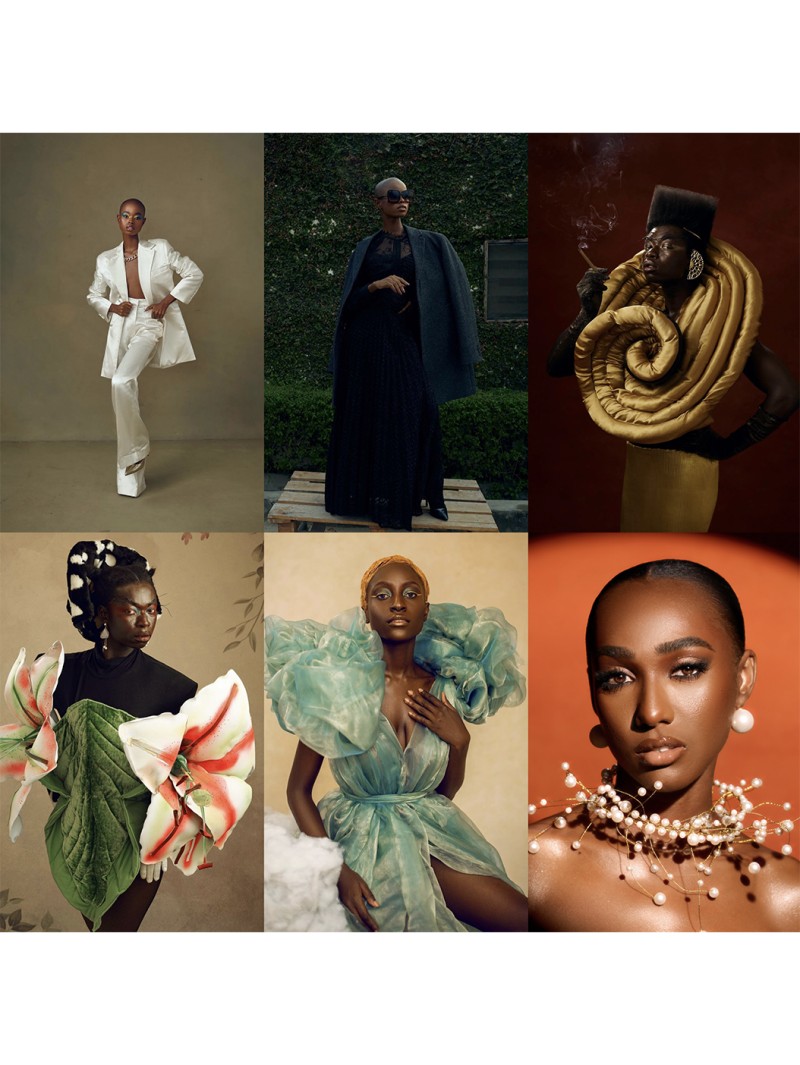
Selective Color Presets (For Photoshop)
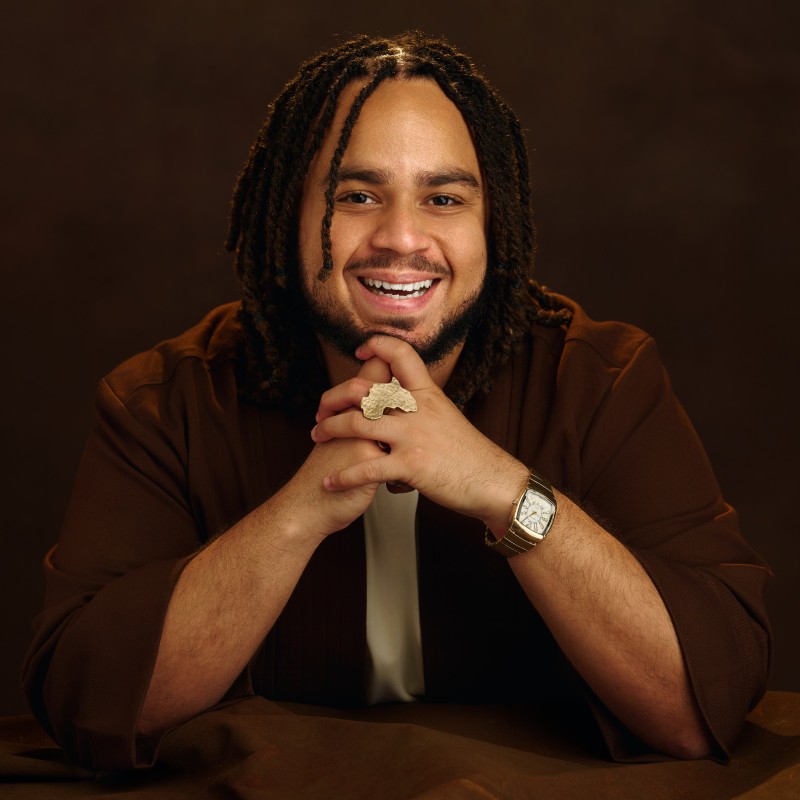
People often ask how I achieve the distinctive look in my photographs. While I'm recognized for my expertise in lighting, I've also developed a set of color presets over the years that have become integral to my style. These presets are a key part of my signature look. I've created this collection to allow anyone to recreate the look and feel I use for my studio and outdoor portraits, as seen on my website and Instagram.
There are 29 presets included with this download.
Please note: You can decrease or increase the percent of the opacity of Selective Color layers to vary the intensity of each preset. Duplicate layers or combine presets for more dramatic effects. I created them in Adobe Photoshop, so they should work with most versions of Photoshop.
HOW TO USE PRESETS:
- In the Photoshop Adjustment Layers tab, click it and choose Selective Color. If you do not have the tab, go to Layers -> New Adjustment Layer -> Selective Color. The new tab should pop up.
- In the top right corner (may vary by version), click the little dropdown menu image. A list of options will show up. Select "Load Selective Color Preset..."
- Find your preset files and select them. Click Open. Now they're ready to use!
Please tag me and use #ShaficHijaziActions with your results, I can’t wait to see what you create.